Transfer a Domain to NameBright
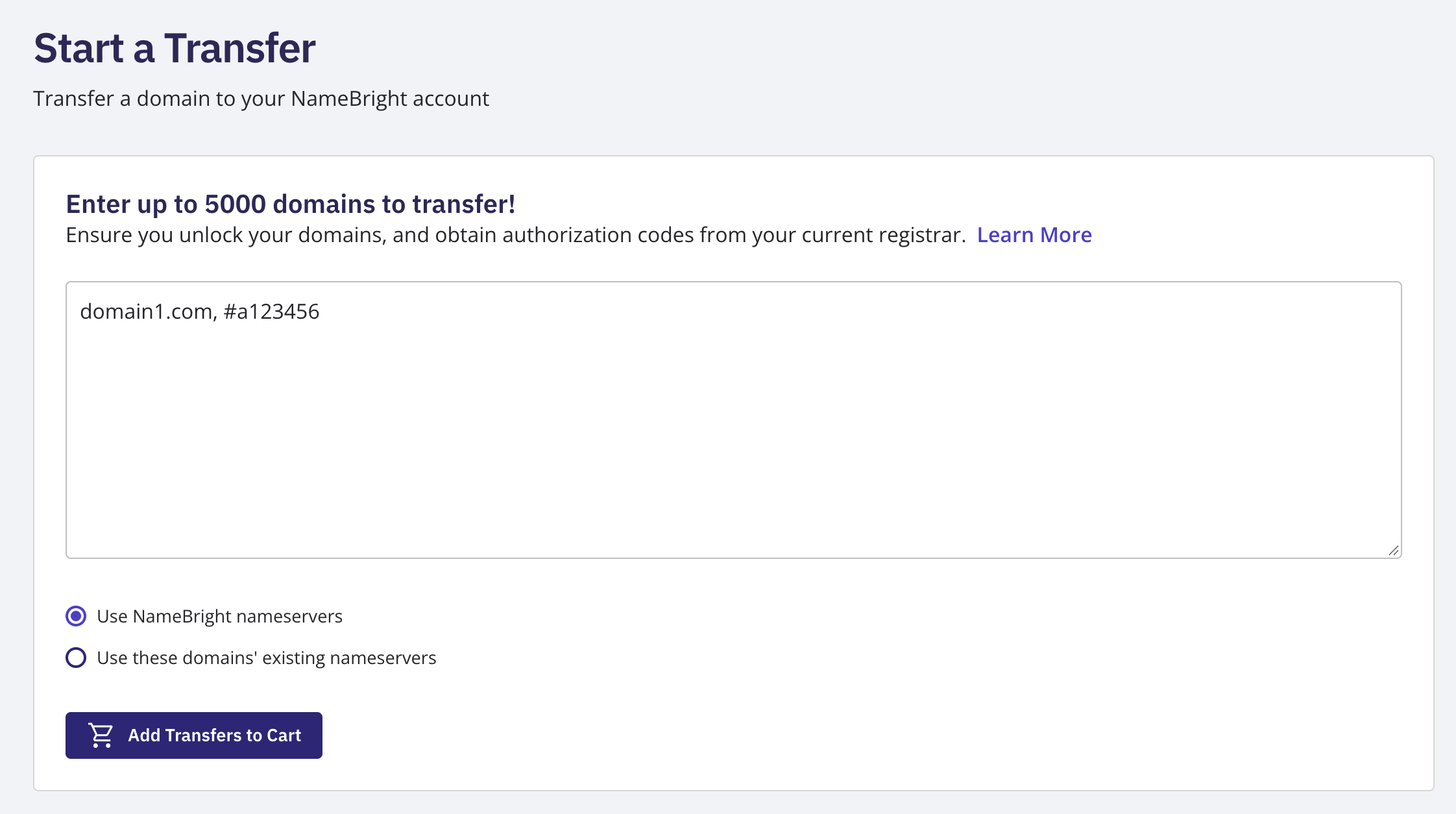
Confirm the domain is unlocked at its current registrar and get its auth code from them. Copy the domain authorization code from the current registrar. Log in to your NameBright account. In the left-hand navigation, go to My Transfers / Start Transfer . Enter the domain name and auth code. Add the transfer request to your cart and check out. The domain enters a pending status while the transfer processes. The domain's WHOIS administrative contact gets an email approving the transfer, and the losing registrar then has up to 5 days to release it. Many release sooner. When the transfer completes, NameBright adds one year to the domain's current expiration date at no extra charge.