Move a Domain Between Two NameBright Accounts (Push)

GUIDE-5.6 · 1 min · Updated September 2026

Moving a domain to another NameBright account is called a push, and it works differently from an external transfer. No auth code changes hands, because the domain never leaves NameBright — only the account that owns it changes. The domain's transfer lock still applies the same way it always does (see Unlock a Domain for Transfer): a push doesn't get you around the standard lock that a new registration or a transfer triggers.

You can push one domain or several at once.

  1. Log in to the account that currently holds the domain.

  2. In the left-hand navigation, go to My Transfers / Start Push .

  3. Select the domain or domains you want to push.

  4. Enter the username and email address of the NameBright account you're sending to.

  5. Submit. A confirmation goes to the recipient's email.

  6. The recipient logs in to their own account and either accepts or declines the incoming domain.
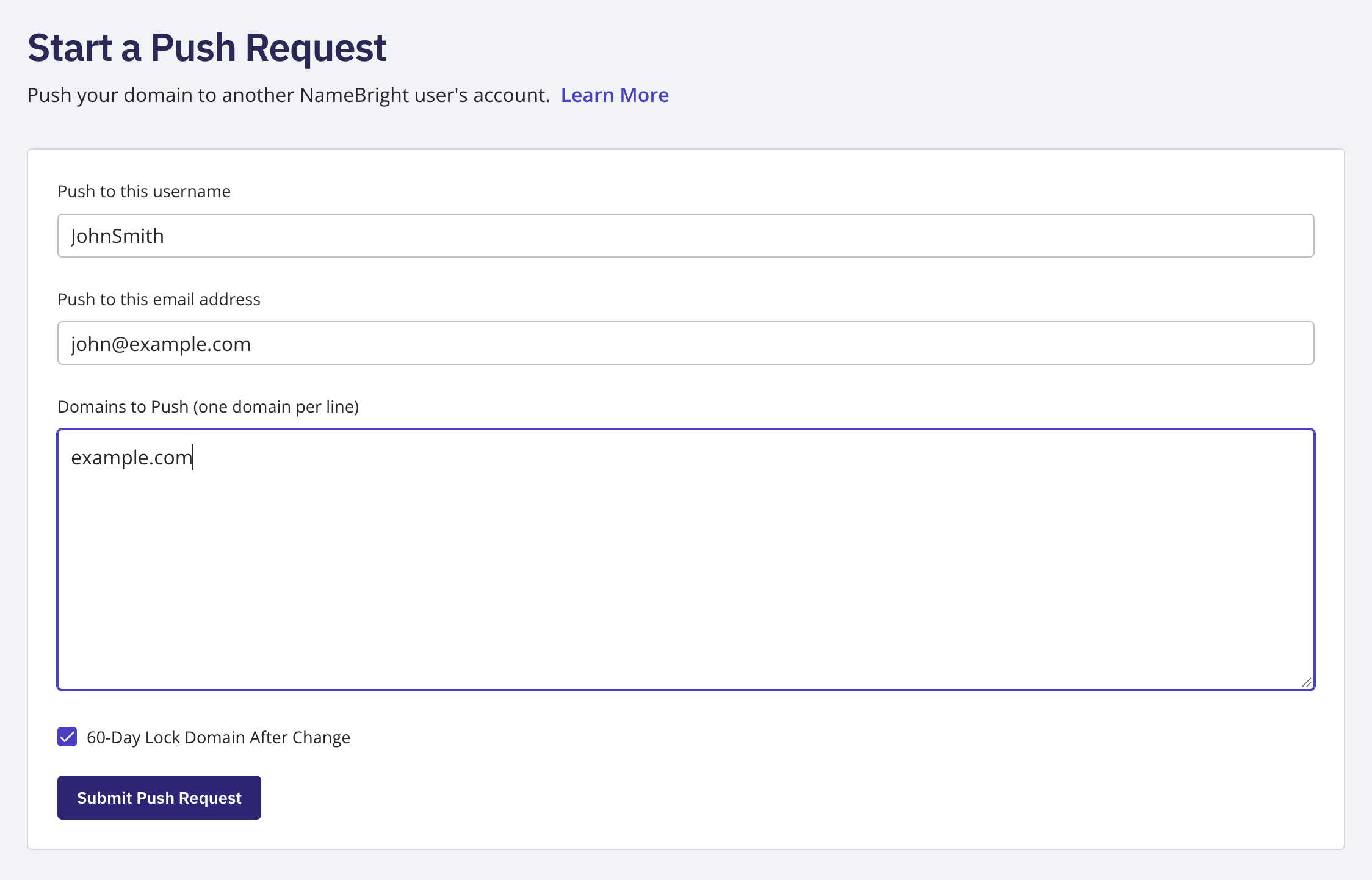
Start Push form showing the domain selection and the recipient username/email fields

Related