Enable Two-Factor Authentication
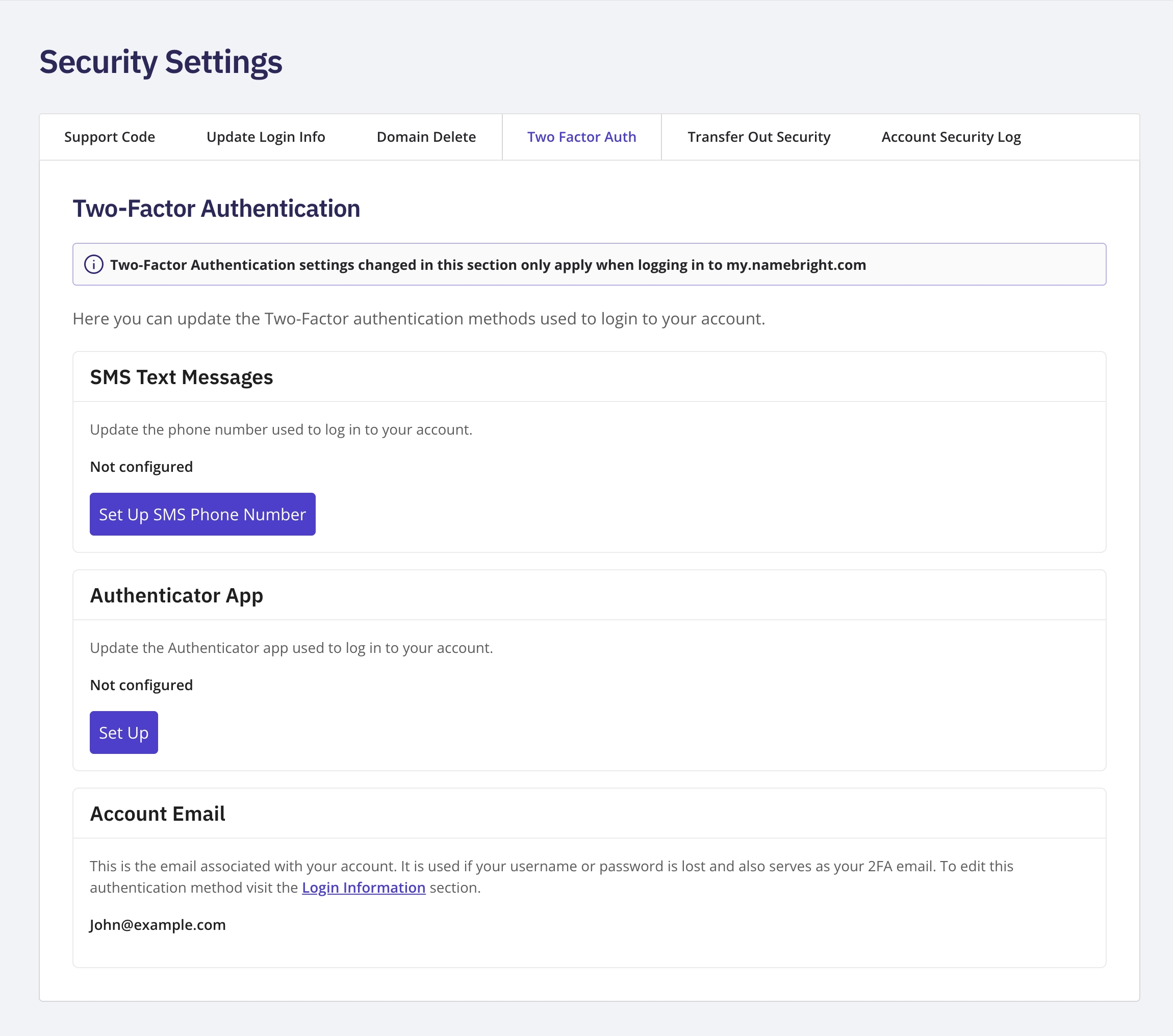
Log in, go to My Account , and open Security Settings . Select the Two-Factor Authentication tab. For the authenticator app, under the Authenticator App section, select Set Up , and follow the prompts using an app like Google Authenticator or Authy. The setup screen shows a QR code to scan, along with the option to enter the key manually. For SMS, under the SMS section, select Set Up , enter your phone number, and then enter the verification code sent to your device.