Create a NameBright Account
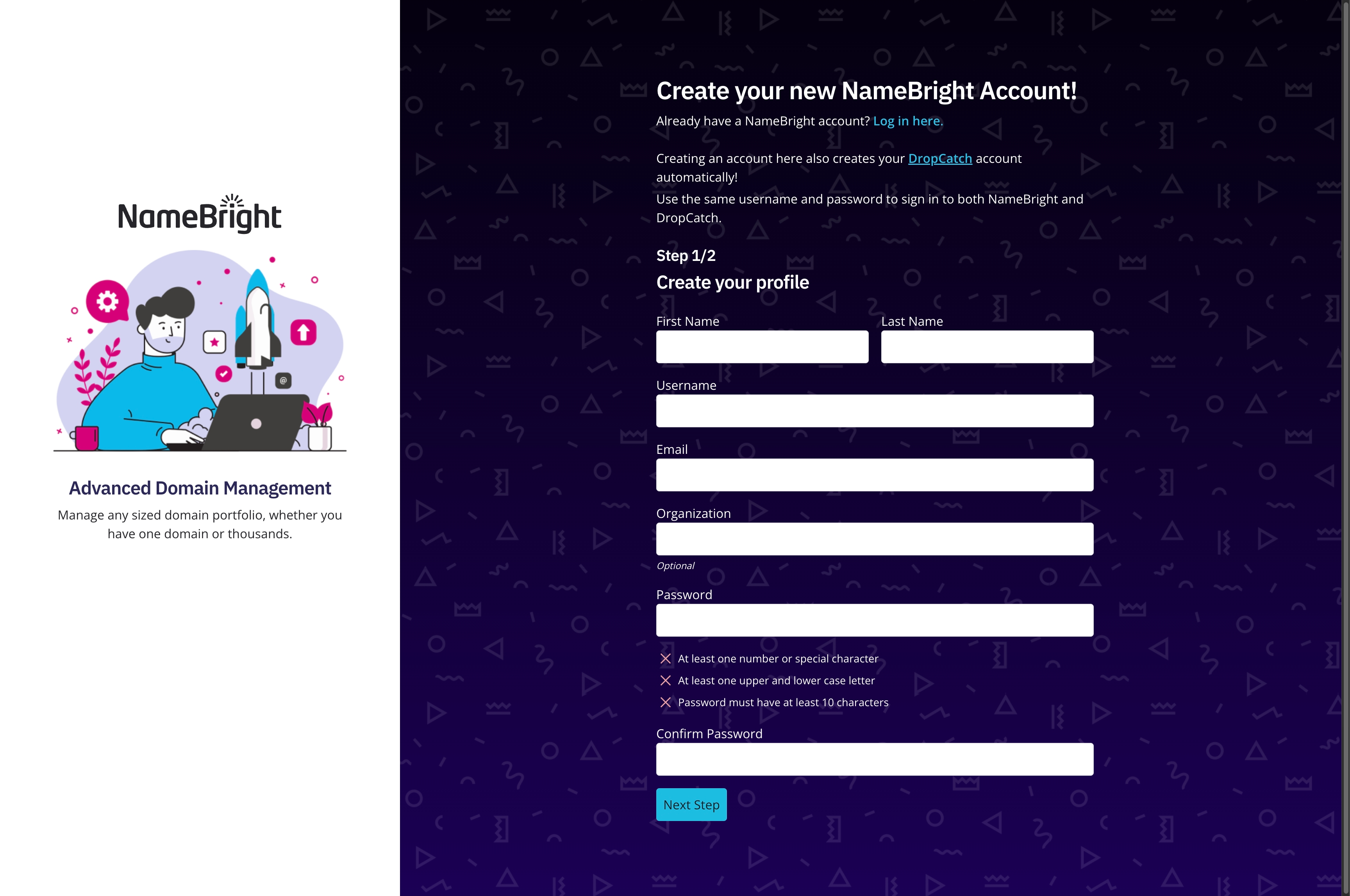
Visit the NameBright homepage . In the upper right corner, select Create Account . Create your profile. Enter your contact information. NameBright sends a verification link to the email address you entered. Select the link in the email to finish creating your account. Log in to your new account.