Renew a Domain Manually

GUIDE-6.3 · 1 min · Updated September 2026

  1. Log in to your NameBright account.

  2. Go to Domain Manager and select the domain.

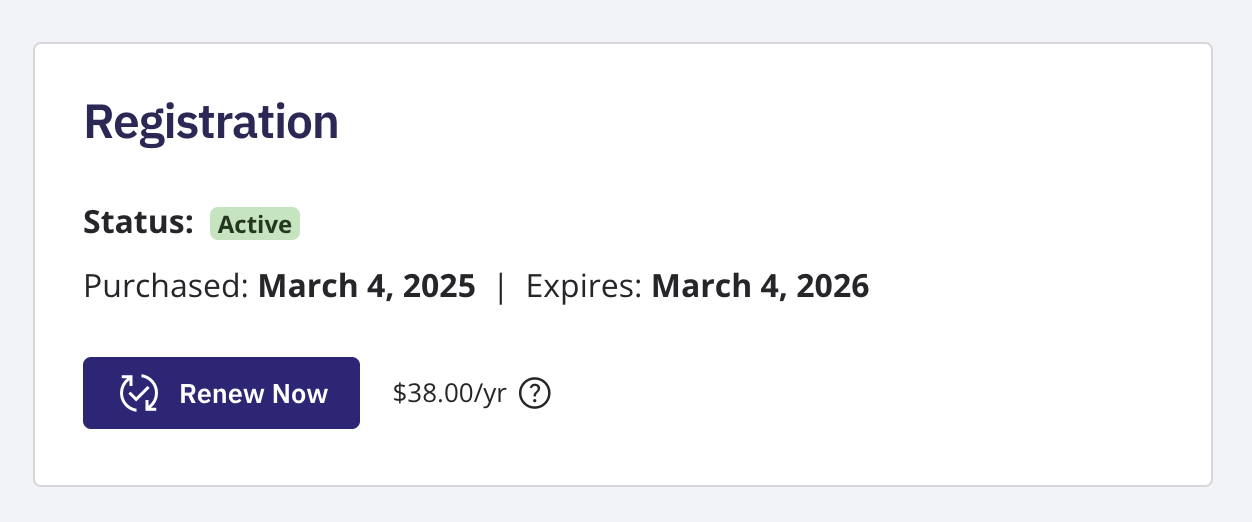
  3. Select Renew Now , near the upper right of the page.

  4. You're taken to your shopping cart. Select a registration length and select Continue .

  5. In checkout, choose a payment method and select Complete Purchase .

Renew Domains in Bulk
To renew multiple domains at once, go to Domain Manager , switch to Advanced view, and select the domains you want to renew. Once at least one is selected, the bulk action buttons above the domain table become active. Select the Renew Now bulk action button. Your domain renewals are added to your cart.

A domain's overview page in Domain Manager showing the Renew Now button near the upper right

Related