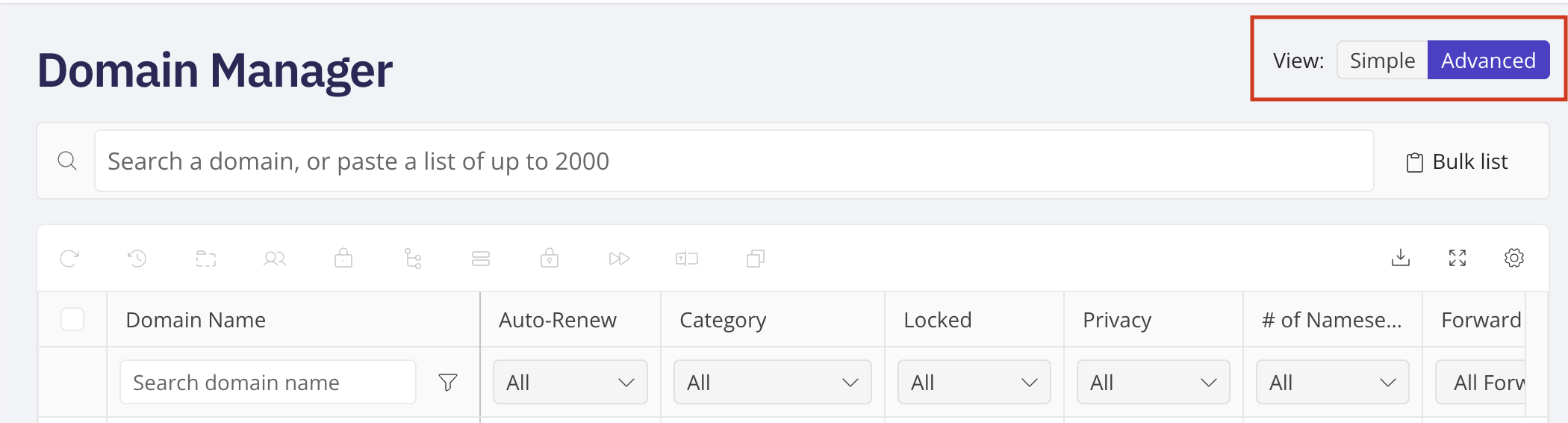
Simple vs. Advanced Views in Domain Manager
Simple view shows a card for each domain, with its expiration date and its renewal date. If auto-renew is on for that domain, the renewal date reflects your account's auto-renew timing. Advanced view shows your whole portfolio as a table, with column filters, a search box, a bulk-search paste option for up to 500 domains at once, multi-select checkboxes, and the bulk action buttons used throughout this help center (Renew Now, Auto-Renew, Category, Contact Info, Domain Lock, DNS, Nameservers, Privacy, URL Forwarding, Letter Casing, and Copy Domains).
Log in to your NameBright account. Go to Domain Manager . Select Simple or Advanced from the view toggle at the top of the page.