Search and Filter Domains in Your Portfolio

GUIDE-3.2 · 1 min · Updated September 2026

Go to Domain Manager and switch to Advanced view to search or filter your portfolio.

  1. Use the search input to search for a single domain, or select the bulk search button to paste a list of up to 500 domains at once.

  2. Use the column filters in the table to narrow down your entire portfolio, or the results of a search.
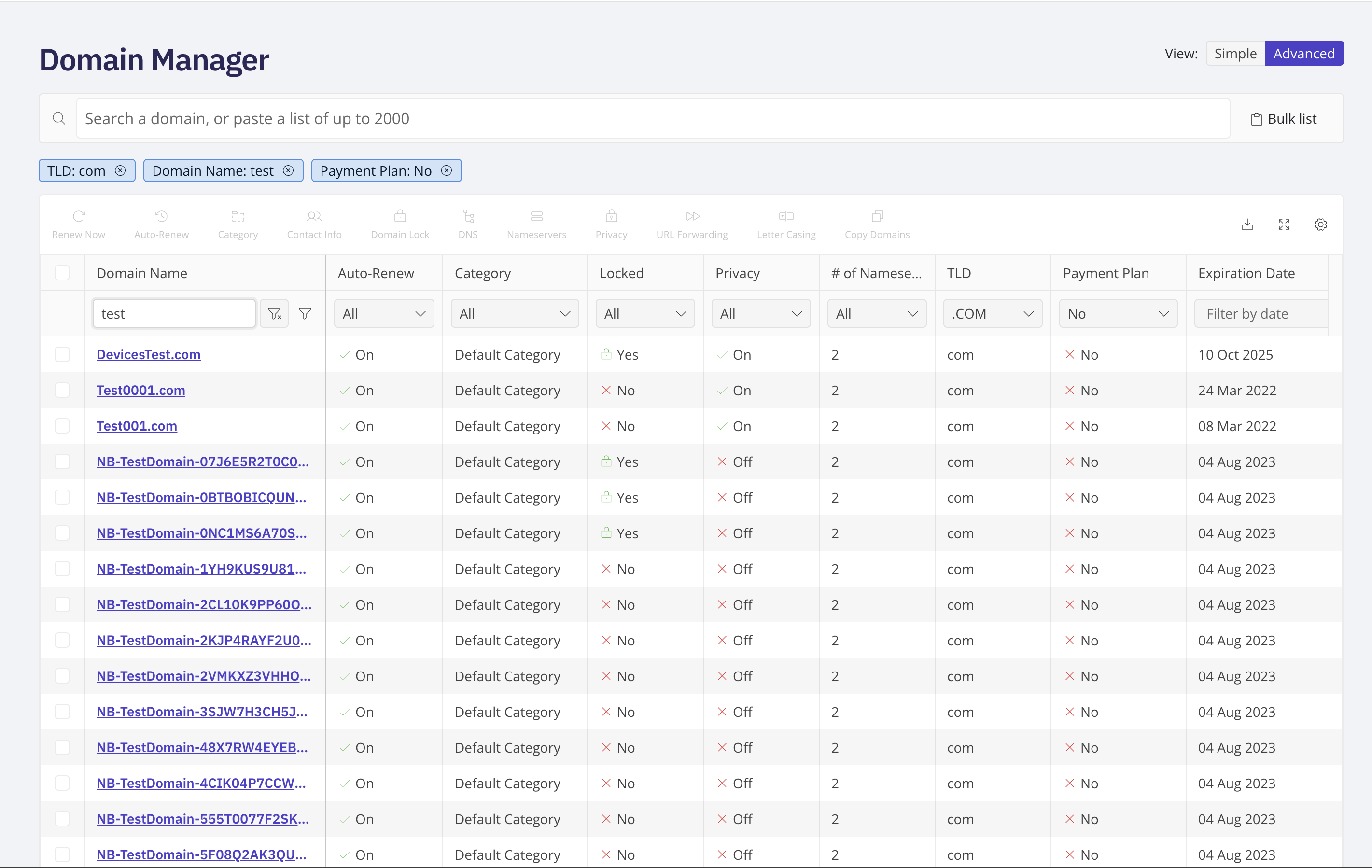
Domain Manager Advanced view with the search input, bulk search button, and column filters visible

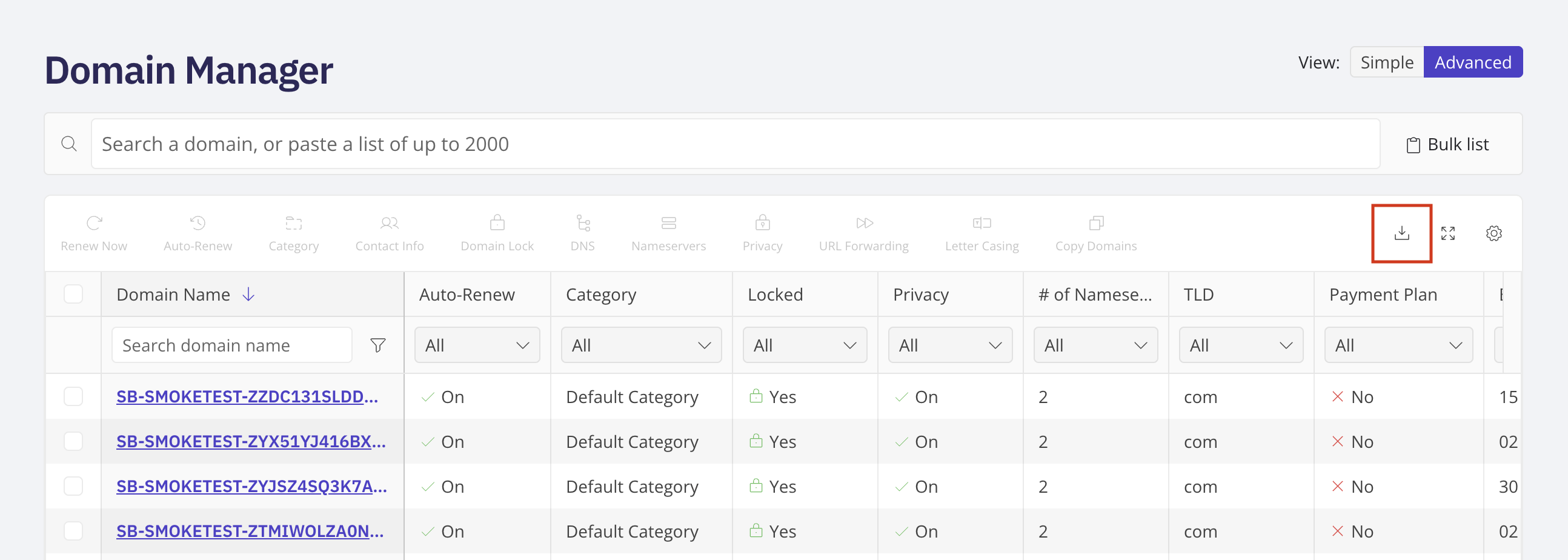
To download a list of your domains, select the download button in the top right corner, above the domain table.

Domain Manager Advanced view showing the download button above the domain table

Related