Change a Domain's Letter Casing

GUIDE-3.5 · 1 min · Updated September 2026

  1. Log in to your NameBright account.

  2. Go to Domain Manager and select a domain.

  3. Select Letter Casing from the settings menu in the top right

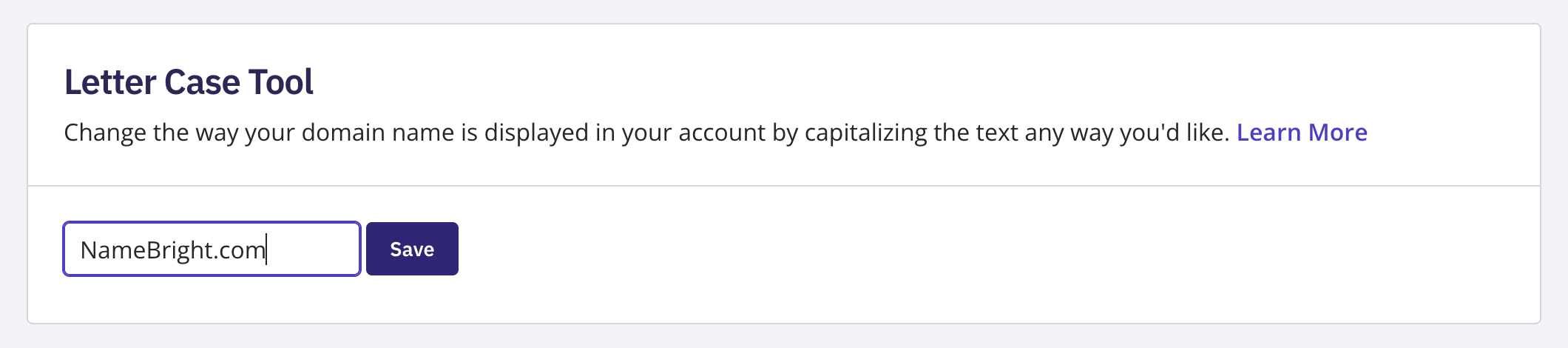
  4. Edit the pre-filled domain name, capitalizing it however you'd like it displayed.

  5. Select Save .

This only changes how the domain name is displayed in your NameBright account — it doesn't change how the domain resolves or functions.

Change Letter Casing in Bulk

To change letter casing on multiple domains at once, go to Domain Manager , switch to Advanced view, and select the domains you want to update. Once at least one is selected, the bulk action buttons above the domain table become active. Select the Letter Casing bulk action button, edit the setting the same way you would for a single domain, and save.

The Letter Casing page showing the pre-filled domain name field and Save button

Related