Generate an API Key
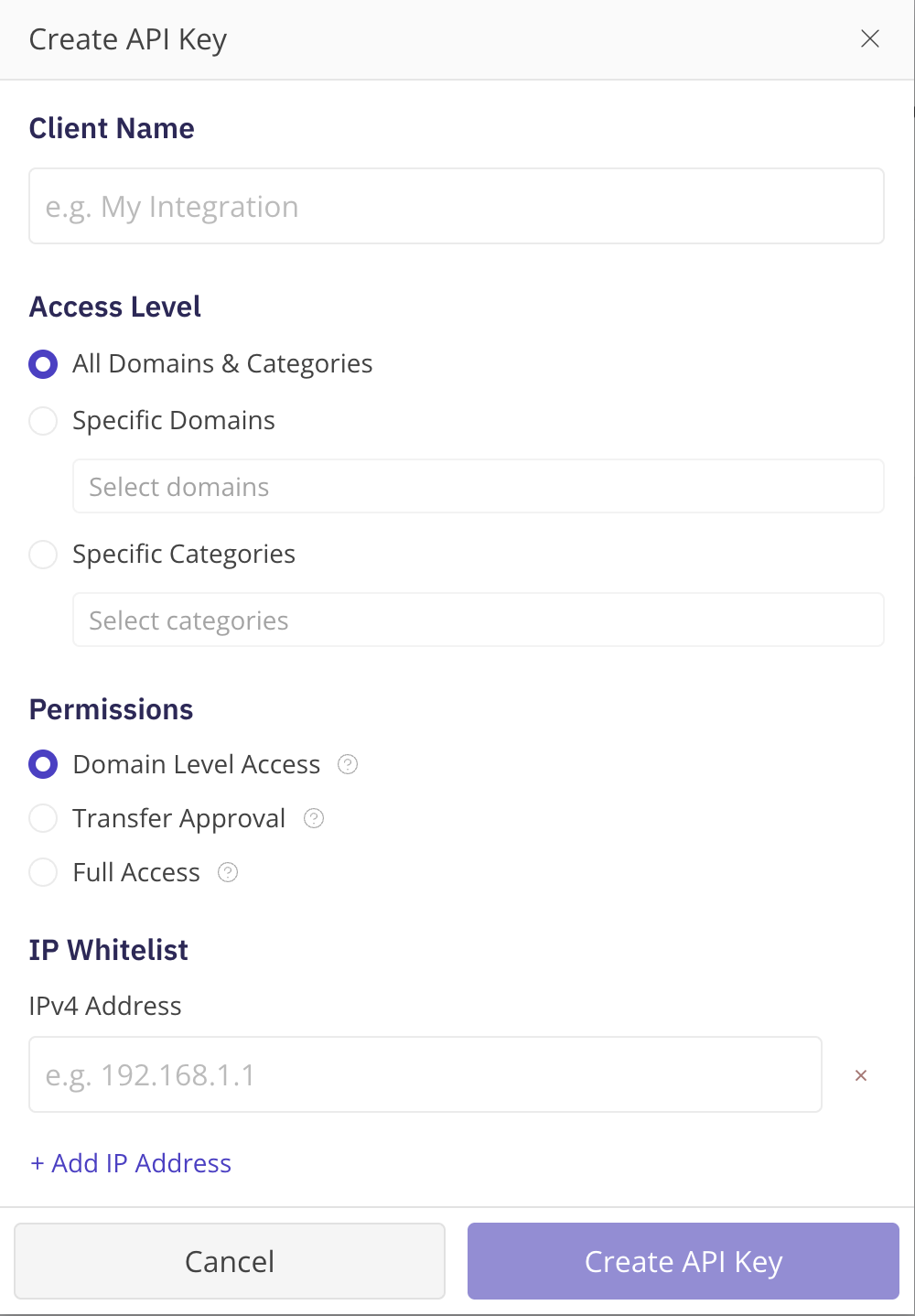
Log in and go to My Account \ API Management . Accept the API Access Terms & Conditions. Select Apply for Access . NameBright reviews the request, and the page shows your access status as pending until it's approved. Once your access is approved, select Create API Key and give the application a name unique to your account. Specify an IP whitelist — up to 10 IPv4 addresses. Save.