Manage a Domain's Contact Information
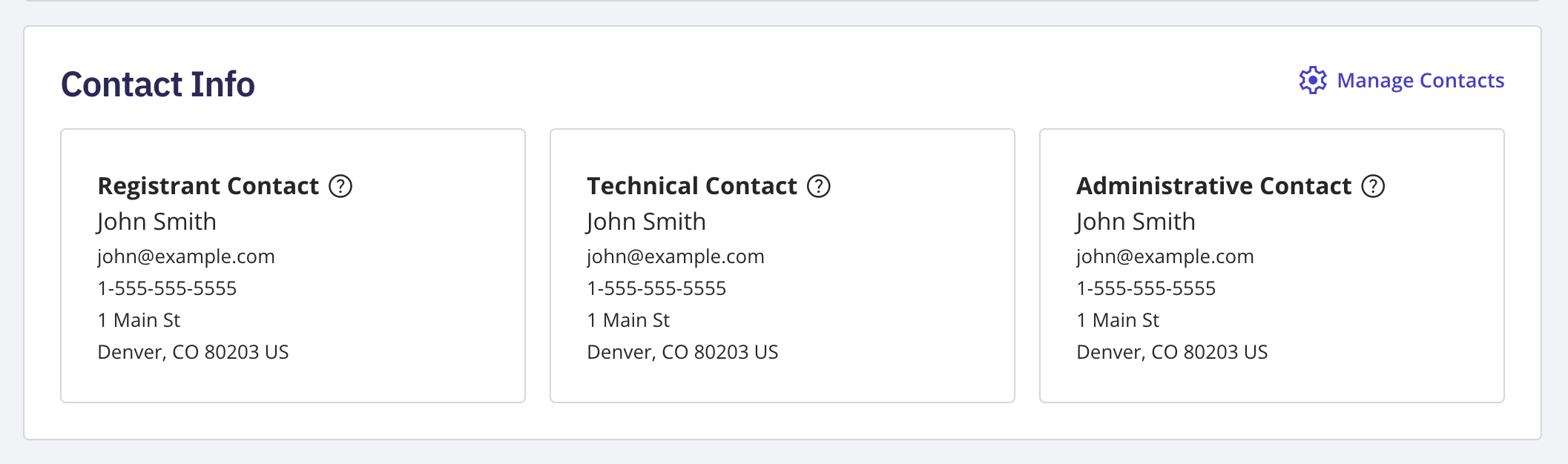
Log in to your NameBright account. Go to Domain Manager and select a domain. Select the Contacts section. Edit the Registrant, Technical, or Administrative contact card as needed. Save your changes.
Customer Guides
Set contact information for a domain, a category, or your whole account, and verify a contact NameBright hasn’t confirmed yet.
Still need help?
Our support team is available Mon–Fri, 8am–5pm Mountain Time. For urgent issues outside business hours, submit a ticket and we'll respond first thing.
Contact Support