Update Your Login Email or Password
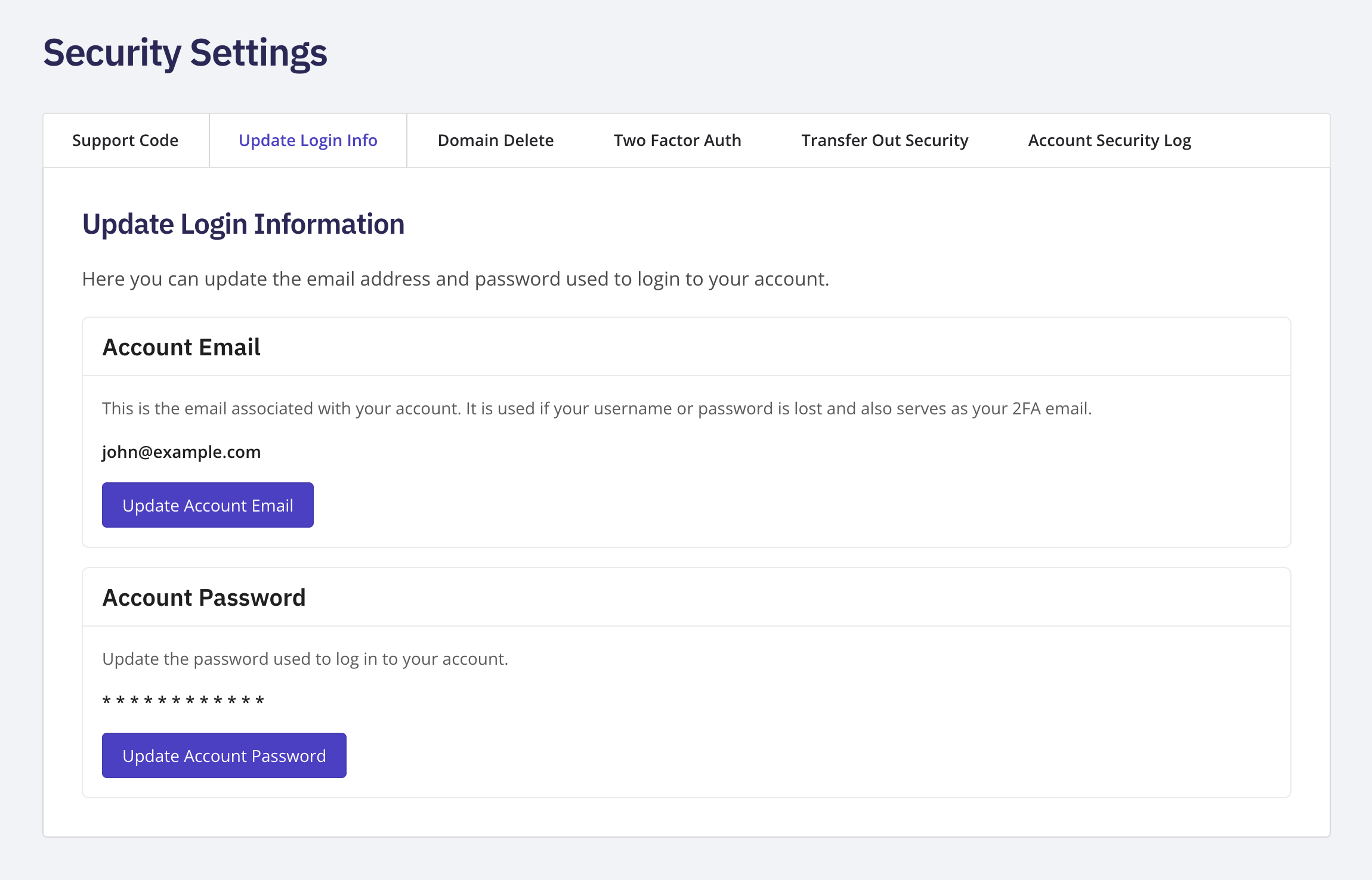
Log in to your NameBright account. Go to My Account , then Security Settings . Select Update Login Information . To change your email, select Update Account Email under the Account Email card. To change your password, select Update Account Password under the Account Password card. Complete the change on the secure page that opens.