Search for an Available Domain
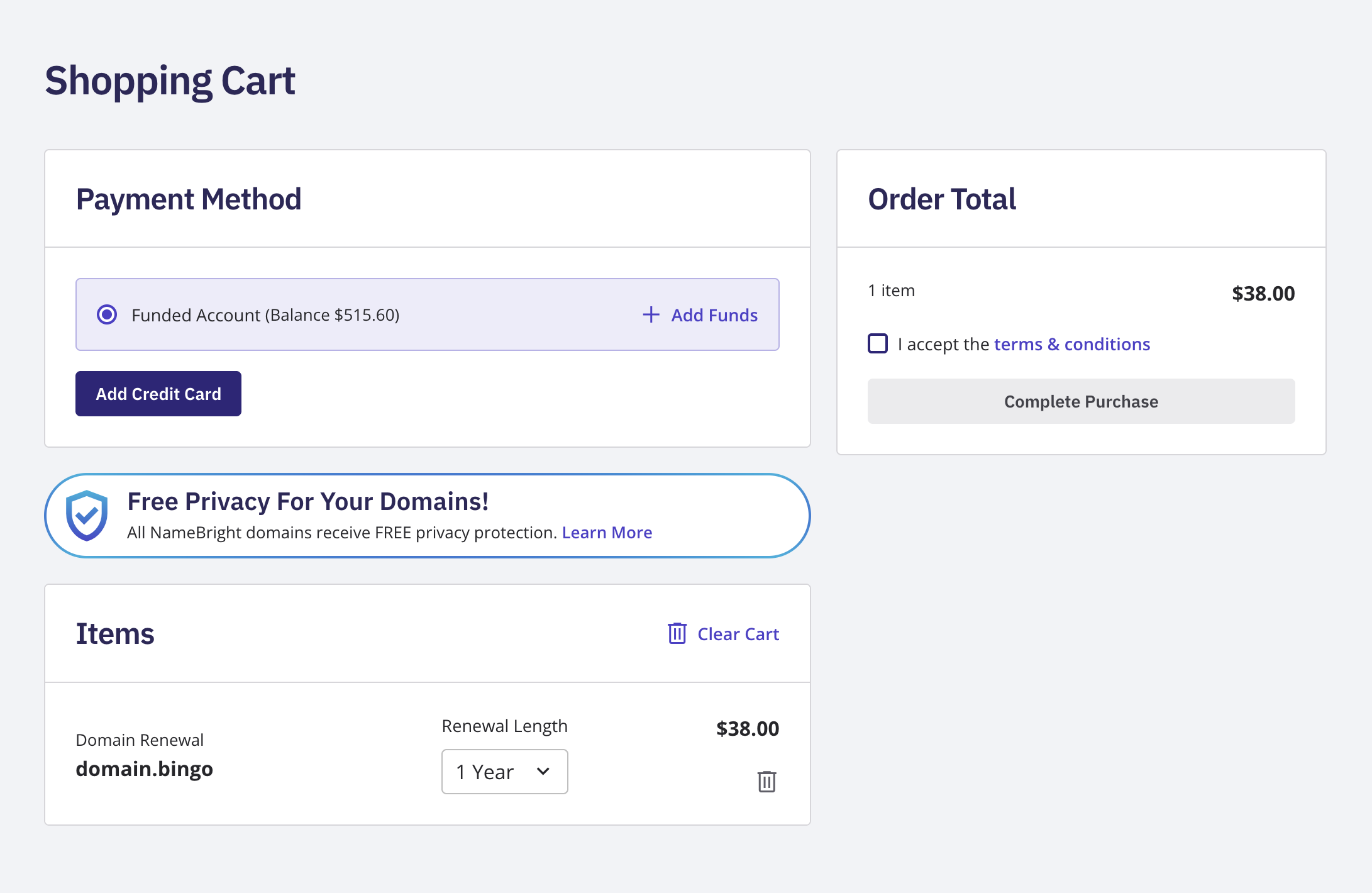
Go to namebright.com and, using the domain search bar, enter a domain name or keyword. Review the result for the exact name you searched. Select Add to Cart on the domain you want to register. Select the cart icon to review your cart. Select Proceed to Checkout . Log in, or create an account if you haven't already. Select a payment method. Select Complete Purchase .